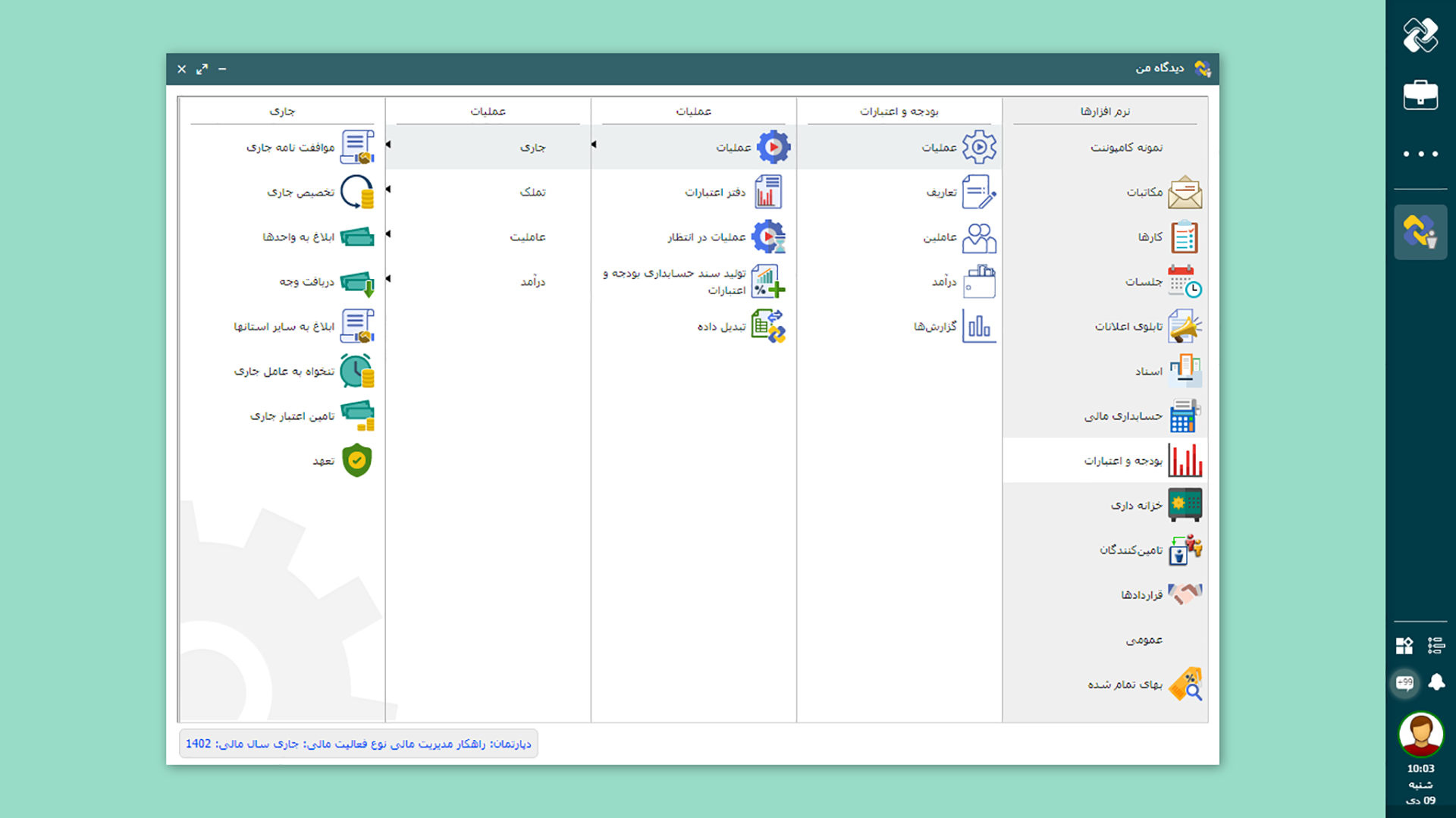
budget and appropriation Software

The increase in the volume of documents and financial operations turns the smallest error into a big risk and a hassle for auditing. Traditional budget management with manual and fragmented processes makes transparency and accountability difficult and reports time-consuming. Chargoon Didgah budget and appropriations software makes all the important budget stages, from agreement and allocation to funding and receipt of funds and reporting, completely systematic, simple and traceable.


Share
Budgeting & Appropriations Features
  • Defining a budget structure in accordance with standards

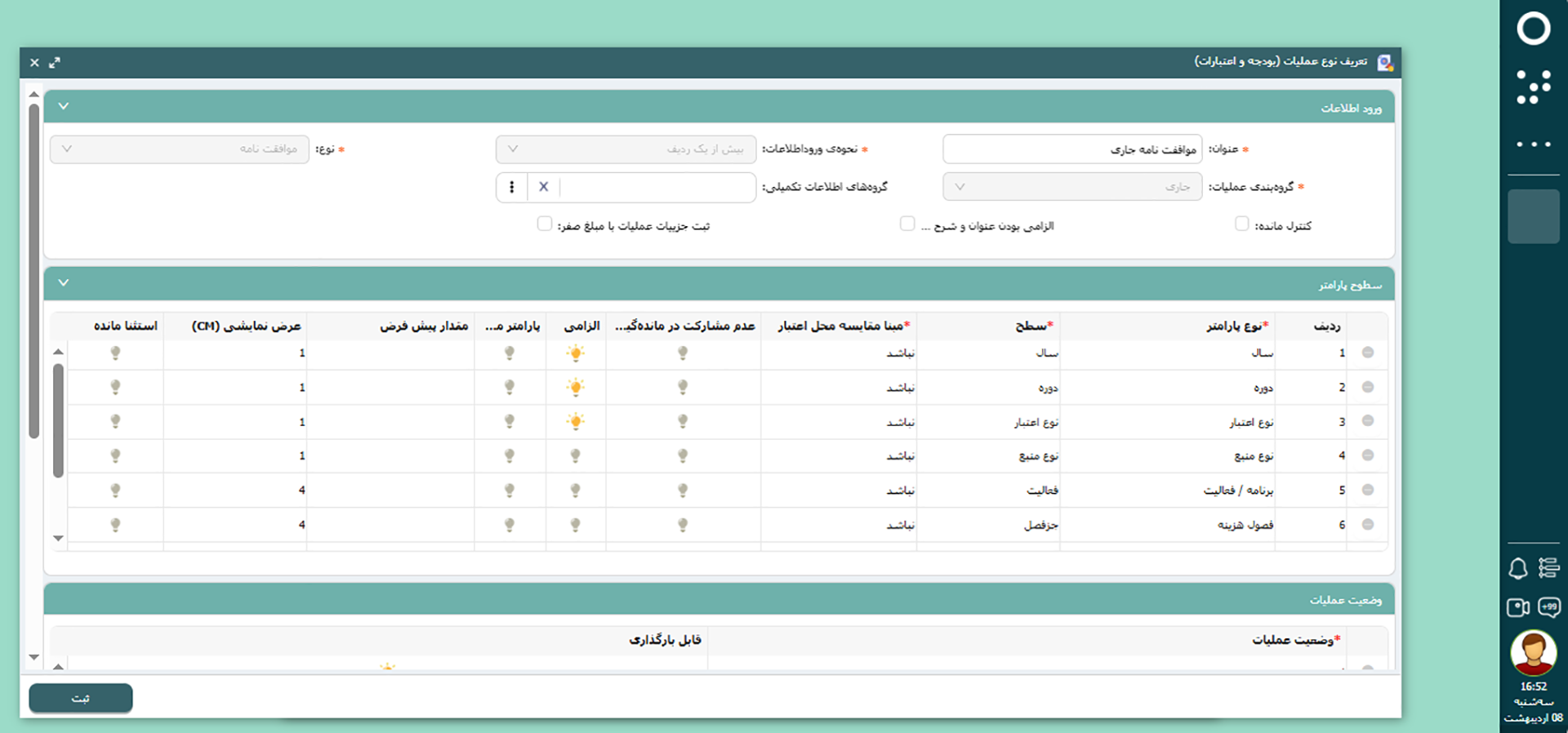
    In this software, the budget structure can be defined precisely based on the standards of the Planning and Budget Organization and the internal needs of each complex. Expenses and appropriations are categorized into current and acquisition, program and plan, activity and project, expense chapter, capital, budget line and other parameters in a dynamic and flexible structure. The ability to define parameters as single or multi-level ensures the accuracy of appropriation allocation, ease of reporting and improved accountability to regulatory authorities.

  • appropriation event recording and maintenance

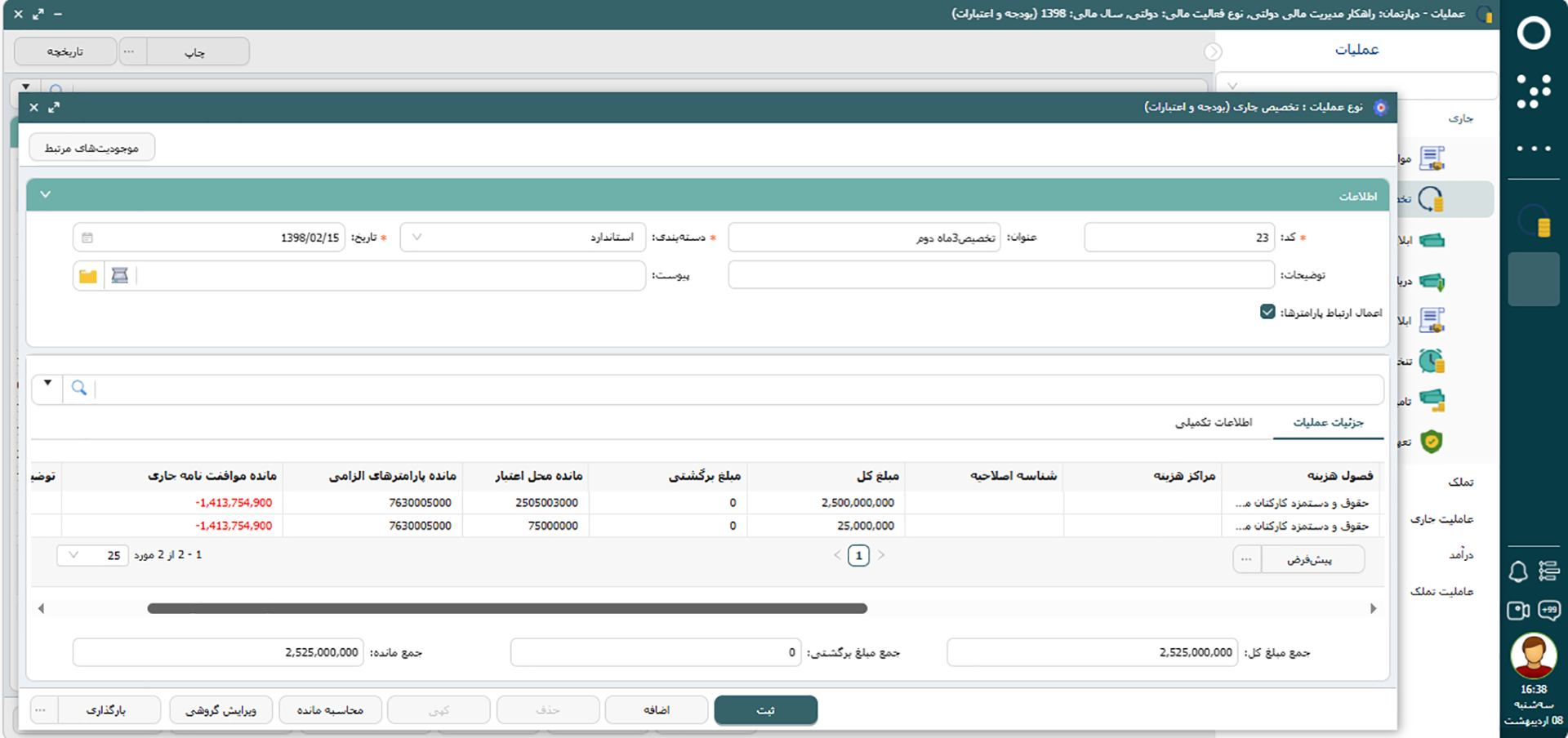
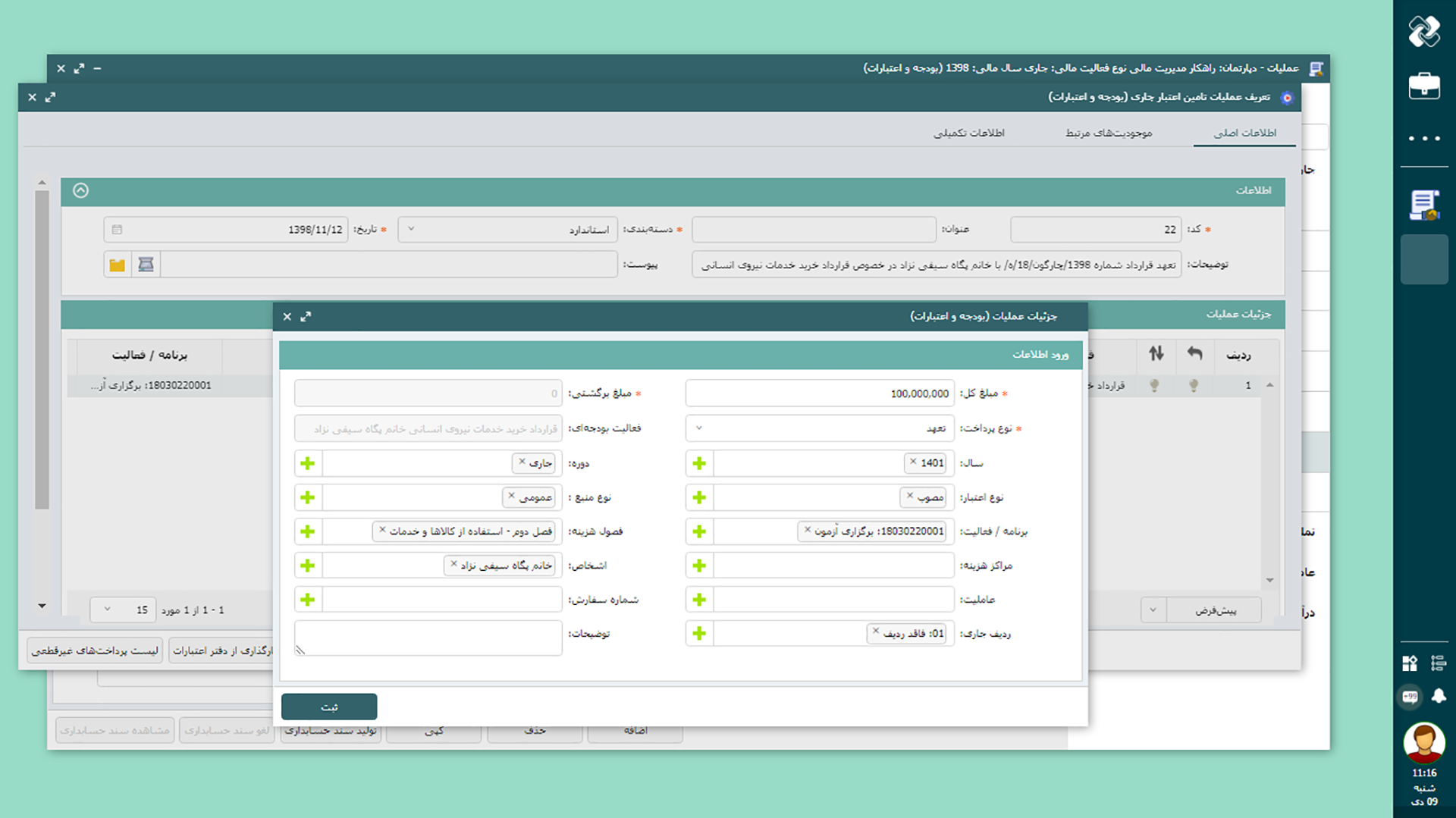
    This software stores all appropriation events and operations, from agreements to appropriation allocation, appropriation provision, payment and recording of firm or non-firm commitments, in a dynamic and traceable environment. With the ability to define parameters and types of financial operations, the organization can design its own unique structure and maintain all financial records accurately and systematically. This approach simplifies data tracking and reconciliation.

  • Control appropriation balance and prevent overspending

    The software prevents overspending by monitoring appropriation balances in real time and recording changes. If the cost or funding exceeds the projected budget, the system issues a warning or stops the process. This feature strengthens the organization's financial security and maintains compliance with audit requirements.

  • Automatic generation of accrual accounting documents

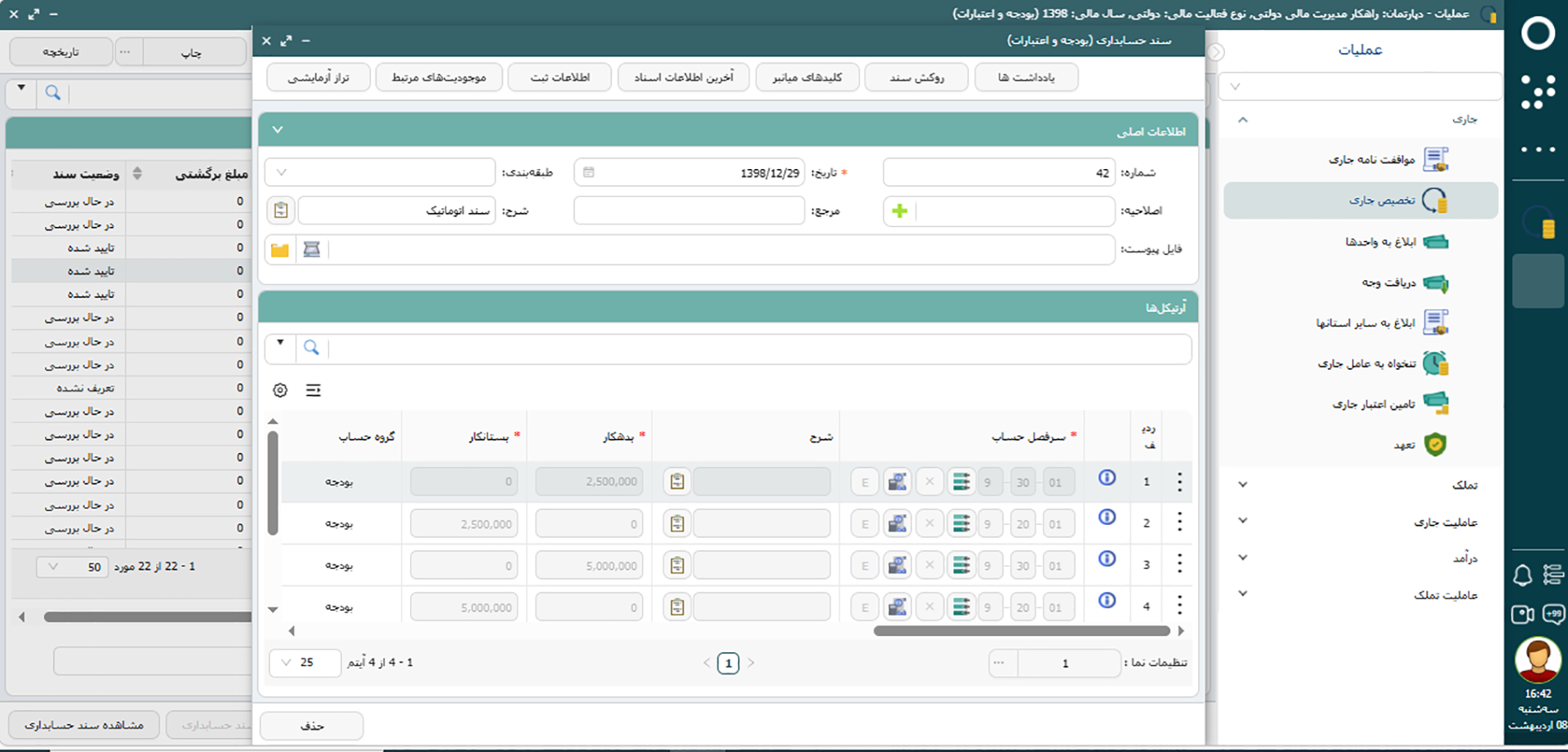
    Accounting documents related to budget events are automatically issued based on customizable templates. This process reduces data re-entry and human errors, shortens processing time, and ensures the accuracy of financial document registration. Financial experts can also spend more time on analysis and reporting.

  • Reporting and allocating appropriations and monitoring performance

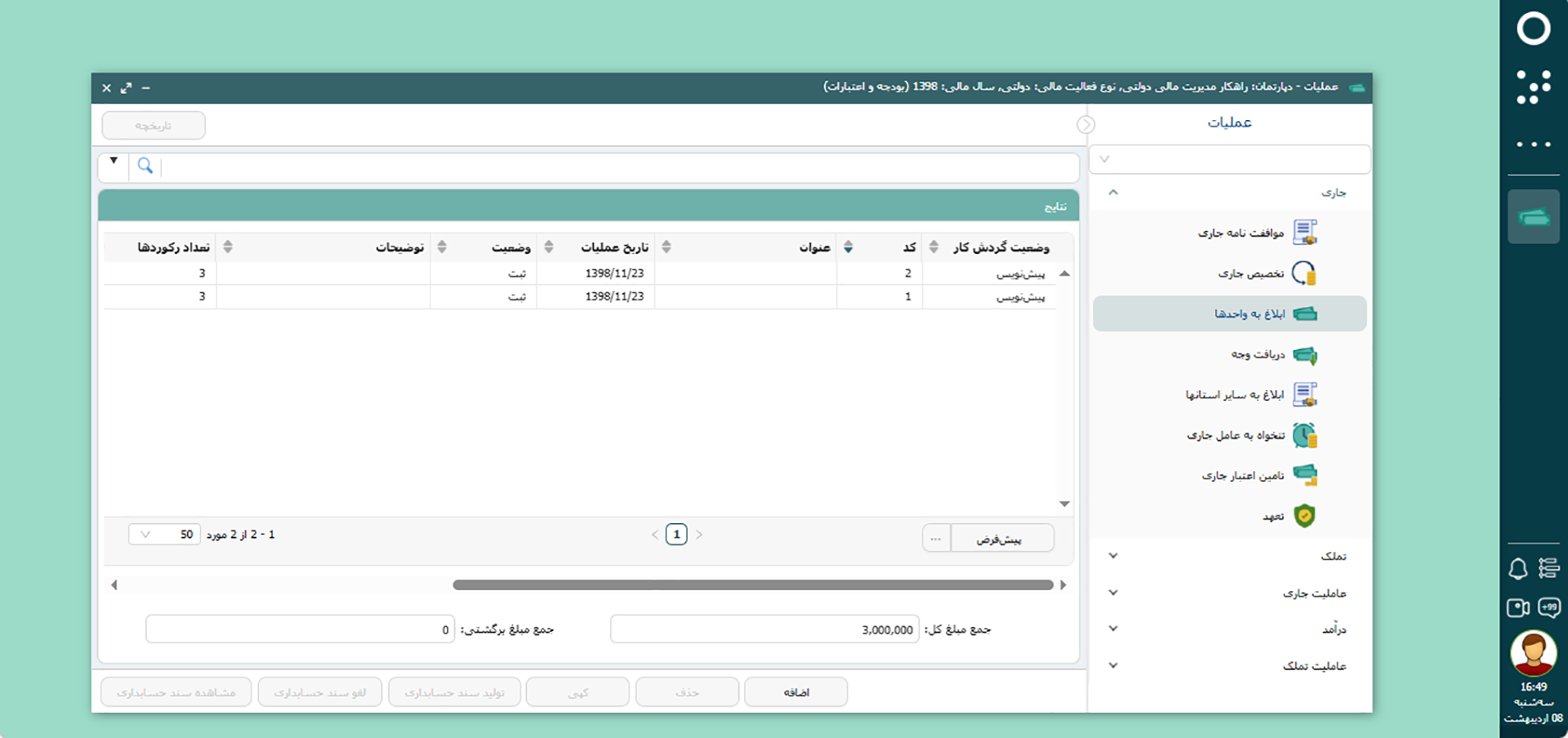
    The appropriations approved to the subordinate units are notified and the allocated amounts are fully recorded along with the consumption performance. Cumulative and detailed reports are prepared with just a few clicks and without external tools, and the status of each section is clearly provided to managers. This transparency improves monitoring and decision-making.

  • Defining specific supplementary information

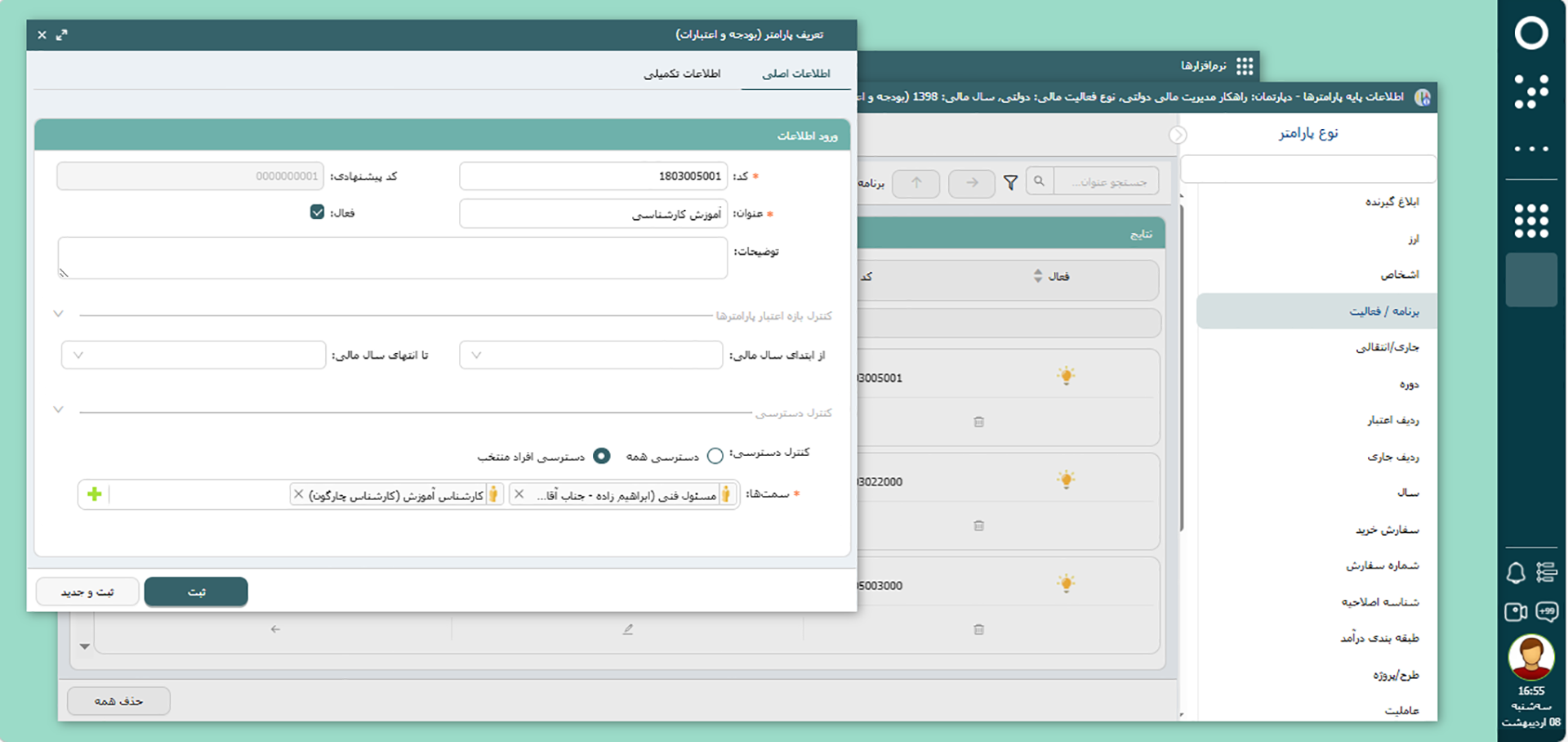
    Users can define and store their own data fields for each parameter or appropriation operation. This flexibility allows for the recording of specific and specialized data and enables more accurate analysis and documentation of information. The result is intelligent reporting and faster response to regulatory authorities.

  • Dynamic Report Generator

    Simultaneous access to budget and appropriation balances in each location, along with the generation of approved or custom reports, makes the analysis and response process fast and accurate. This tool provides information by unit, cost type, or appropriation location, simplifying decision-making.

  • Smart appropriation Line

    By creating a logical connection between budget parameters and displaying authorized appropriation paths, this feature reduces the likelihood of choosing the wrong budget location. The result is the prevention of cost discrepancies and full compliance with financial requirements.

  • Access Levels and Security

    The ability to define precise access levels based on user role, type of operation and organizational parameters ensures the security of appropriation data. This control prevents registration errors, unauthorized access and functional discrepancies and keeps operations accurate and secure.

Budgeting & Appropriations BI Dashboards
  • Unspent Current appropriation Balance Dashboard
  • Unspent Acquisition appropriation Balance Dashboard
  • Current Agreement Amounts Analysis Dashboard
  • Acquisition Agreement Amounts Analysis Dashboard
  • Current Allocation Amounts Analysis Dashboard
  • Unspent Current appropriation Balance Dashboard

    Often, the budget planned at the beginning of the year is either not spent in full by the end of the year or it is not clear exactly how it was spent. The lack of a clear picture of the current appropriation balance makes accurate financial planning difficult and makes decisions about spending unclear.

    The current unspent appropriation balance dashboard is a way to have a clear and instantaneous view of the organization's cash balance. This dashboard gives managers the opportunity to know exactly how much budget they have and in which areas it has not yet been spent. Using the dashboard will always allow you to control the budget spending process, reduce unnecessary expenses, and not miss any financial opportunities in the final months of the year. With this perspective, the financial planning process will be simpler and more reliable.

  • Unspent Acquisition appropriation Balance Dashboard

    In construction projects or large equipment purchases, there is always a part of the appropriations left or not used, and sometimes managers are unaware of its status. This can prevent important projects from being operational or create problems with the timing of project implementation.

    The Unspent Acquisition appropriation Balance dashboard helps you always check the status of the remaining appropriations related to projects in a transparent and real-time manner. When sufficient and clear information is in front of managers, prioritizing projects becomes easier and decisions can be made quickly about allocating appropriation to each section. This dashboard helps prevent budget waste, better use of resources, and ensure that key projects are completed on time.

  • Current Agreement Amounts Analysis Dashboard

    In the financial sector of the organization, the lack of integration of financial commitment information causes managers to be confused when planning. Without accurate data on the volume of commitments and where they are spent, the likelihood of resources being spent on less important areas and important opportunities being missed increases.

    The Current Agreement Amounts Analysis Dashboard solves this problem and shows the status of all financial commitments in a transparent and trackable way. This dashboard helps managers easily analyze where resources have been allocated and how much of it is still sustainable. With this tool, it is possible to make decisions about spending and more accurately predict the organization's financial future, and financial management is carried out with greater confidence.

  • Acquisition Agreement Amounts Analysis Dashboard

    In the implementation of construction projects or asset purchases, the lack of clear information about the amount of financial commitments poses many problems. Sometimes, making decisions to continue or stop projects is difficult due to incomplete information, and additional time and cost will be imposed on the organization.

    The Acquisition Agreement Amount Analysis Dashboard provides managers with the ability to accurately view the financial commitments recorded in each construction project and asset at any time. With this dashboard, the evaluation of the process of spending appropriations and allocating resources to projects is accelerated, and the organization can more easily transfer resources or decide on the implementation of new projects. This prevents financial interruptions or delays and allows the organization's development process to be followed with greater order and transparency.

  • Current Allocation Amounts Analysis Dashboard

    Sometimes it happens that a large part of the allocated budget is either not spent or not spent in the appropriate program, which causes delays in the main work. The lack of real-time information about the amount of budget spent and remaining makes it difficult to control the financial control of programs and the correct distribution of resources is problematic.

    The dashboard for analyzing current allocated amounts provides a detailed view of the spending status of each program and allows you to understand at a glance what part of the budget has been spent and how much is still left. This dashboard allows managers to make important financial decisions more accurately and easily, control unplanned expenses, and improve the implementation of key programs. In this way, the budget management process is more targeted and prevents waste of resources.

Deployment and Support Services

Software implementation is carried out with an experienced team, based on understanding the operational realities of each organization. A detailed analysis of needs and structure, expert advice and proposal of the best implementation model, and then comprehensive user training until the software is fully utilized are on the agenda. Permanent technical support and consulting after deployment ensures that any new challenges or needs are responded to quickly and accurately and that the software always remains at the highest level of performance.

  • Budgeting & Appropriations Integrations with Other Software
  • Payroll Software

    Direct Transfer of Salary Data to Budget Software to Fund Salaries and Benefits

  • Purchasing and Procurement Software

    Coordinating the Purchasing Process with the appropriation Department, Ensuring Proper appropriation Provision Before Transaction

  • Contracts Software

    Register and Control Contracts in Full Connection with Budget

  • Accounting Software

    Automatically receive information about budget events and issue related accounting documents in a systematic way

  • Office correspondence software

    Link financial letters and requests (such as agreements or financing) to budget records

To make a smart choice, consider all aspects

  • Can I manage different users and access levels in the budget and appropriation software?

    Yes, in this software, access levels are defined based on the roles and responsibilities of each user and depending on the needs of the organization. The system administrator can set different access levels for each user to maintain information security and provide greater control over information.

  • What is the benefit of automatic issuance of accounting documents for my organization?

    By automatically issuing accounting documents, human errors are reduced, financial experts' time is not spent on entering information, and financial information will be recorded more accurately. The role of financial experts is also upgraded from operator work to analysis and monitoring.

  • What types of reports can I generate using budget and appropriation software?

    Various types of performance and management reports can be prepared, and you can receive government-approved forms or custom reports tailored to the organization's needs.

  • Can I record and manage my organization's current budget and assets in the software?

    Yes, it is possible to record, maintain and manage the current budget and assets by cost seasons, programs and projects in this software.

  • Is it possible to register an agreement, assign and provide appropriation in the software for my organization?

    Yes, you can record agreements, allocations, funding and other budget matters in this software. The dynamic structure of the software allows you to define the budget procedure you need.

  • Does this system prevent excessive use of appropriation in our organization?

    Yes, this software has settings that allow you to control appropriation usage so that it does not exceed the budget limit. Also, if you wish, only the budget deviation report will be displayed and no direct limit will be applied.

Demo request

  • This field is for validation purposes and should be left unchanged.