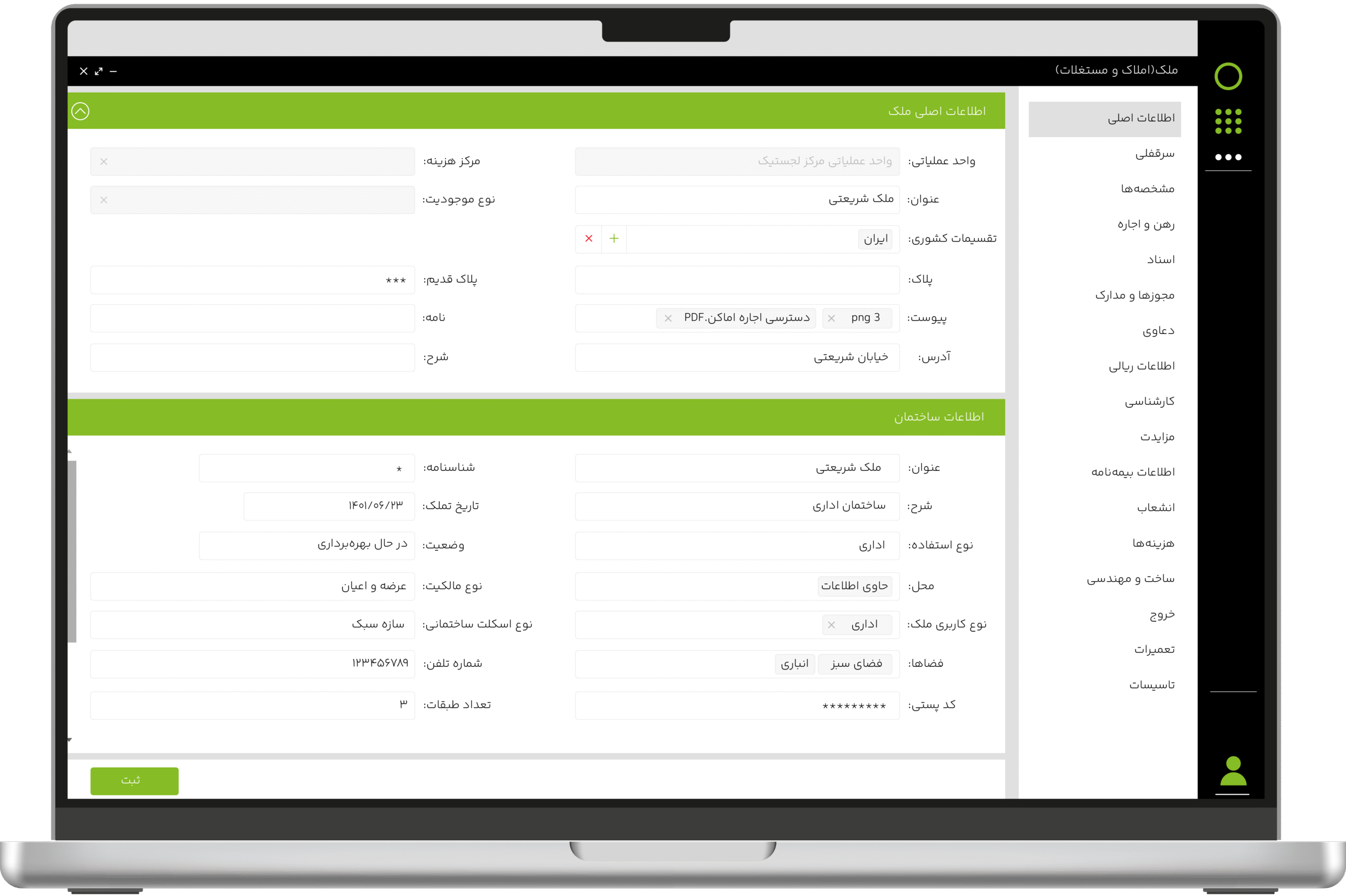
Administrative work takes on a new dimension when requests are logged in seconds and responses are delivered before you have to follow up on them. Chargoon Didgah customer service desk software provides this fast and secure flow for both the organization and its customers, a transparent path from registration to response, without the need for physical presence. Full integration with Didgah’s correspondence system, secure authentication and real-time notifications ensure that all steps proceed seamlessly. The result is reduced costs and congestion for organizations, and a smooth and hassle-free experience for customers, 24/7.
By registering and tracking requests online, eliminating in-person visits, and completing processes digitally, organizations can minimize response times and significantly reduce costs associated with paperwork, travel, and manpower.
24-hour Service
Any client, regardless of time or location, can register their request or track its status in real time 24 hours a day. This continuous and ASA access increases customer satisfaction and reduces the workload on staff during busy and demanding hours.
Transparency in Accountability
Real-time viewing and tracking of the status of requests strengthens customer trust. Clients know exactly what stage their request is at, which unit is responsible for it, and when they will receive a final response, which transparency leads to a reduction in repetitive follow-ups.
Smart Notification
From the registration of the request to the final response, all changes are notified to the client via SMS or online notification. The system administrator can also customize the text and method of notification according to the nature of the organization.
Reduce Human Error
By automating processes and enabling advanced search in the system, many errors caused by manual data entry or incorrect referral of requests are eliminated. This more accurate process saves time on review and correction.
Real-time Monitoring of Response Quality
Senior managers can evaluate unit performance transparently and in real time with business intelligence reports and make effective decisions to improve management based on this accurate data.
Features of Chargoon’s Didgah Service Desk Software
Record and track requests securely, from any location and device
Users can register and track their requests at any time through a computer or mobile browser, without installing software and without the need to directly access the organization's server. This method eliminates security risks by using an independent user interface and allows requests to be sent via the Internet to the Didgah internal office correspondence software.
A dedicated interface with dual language support
The system has a dedicated user interface that transfers requests directly to the relevant unit's workbench in the organization's automation, without the main system being placed on the Internet. For organizations that interact with foreign nationals, this interface can be used in both Persian and English, making the process of registering and reviewing requests simple and smooth for all users.
Advanced authentication with role separation
The system supports various authentication methods, such as one-time password via mobile, Shahkar service, and future connection to national systems. Also, to maintain security and ease of access, separate panels have been designed for different roles, including admin, reviewers, and clients, so that each group can operate in its own dedicated environment.
Instant tracking with smart notifications
From the moment the letter is referred to the client until the request is approved or rejected and the response is generated, the status is intelligently notified to the client via SMS or online. Clients can view and track the latest status of their request at any time of the day using the SMS system or service.
Registration and review with the ability to upload attachments
Users can register requests in text format or by uploading files in formats such as Word, PDF or JPEG. These requests are registered and reviewed directly in the Didgah correspondence system, without the need to rework the attachment and upload of documents
Management of response units with quick file search
The organization can define different response units such as inspection, complaints or directorate and assign separate reviewers for each unit. Along with this structure, various search filters allow the desired files and requests to be quickly found by the admin or reviewers.
Real-time monitoring of response speed and quality
With the business intelligence reporting capability, senior managers can monitor the status of response speed and quality of requests at any time. This analytical tool helps in better decision-making and improving the organization's performance.
Deployment and Support Services
Chargoon, with a companion approach to software deployment, provides a smooth and uncomplicated experience for customers. From inception to full deployment, the Chargoon team stands by organizations every step of the way to ensure the software is serving their goals and needs.
After deployment, Chargoon support continues with prompt responses and uninterrupted service. This commitment to companionship and reassurance creates an environment where customers can focus on developing and improving their organization with peace of mind.
Service Desk Integrations with Other Software
Office correspondence software
It is connected to the Didgah office correspondence system, so all data and attachments are sent to the associated workbench in an instant without reloading or re-registering.
To make a smart choice, consider all aspects
What services are provided after preparing the customer counter software?
After the provision of the software, the Chargoon support team provides services including installation and commissioning, user training, technical support and periodic software updates.
How can I contact the Chargoon support team?
You can contact Chargoon support team via phone number, email or online support portal.
What is the process of deploying client counter software?
The deployment process includes the steps of requirements analysis, software design and implementation, testing and evaluation, and finally user training and final delivery.
How long does it take to install the client counter software?
The deployment time depends on the complexity and volume of the organization's needs, but usually ranges from a few weeks to a few months.
Can the customer counter software be integrated with other systems?
Yes, this software can be integrated with office correspondence software, documents, etc. and can be coordinated with existing systems in your organization.