Tasks Software

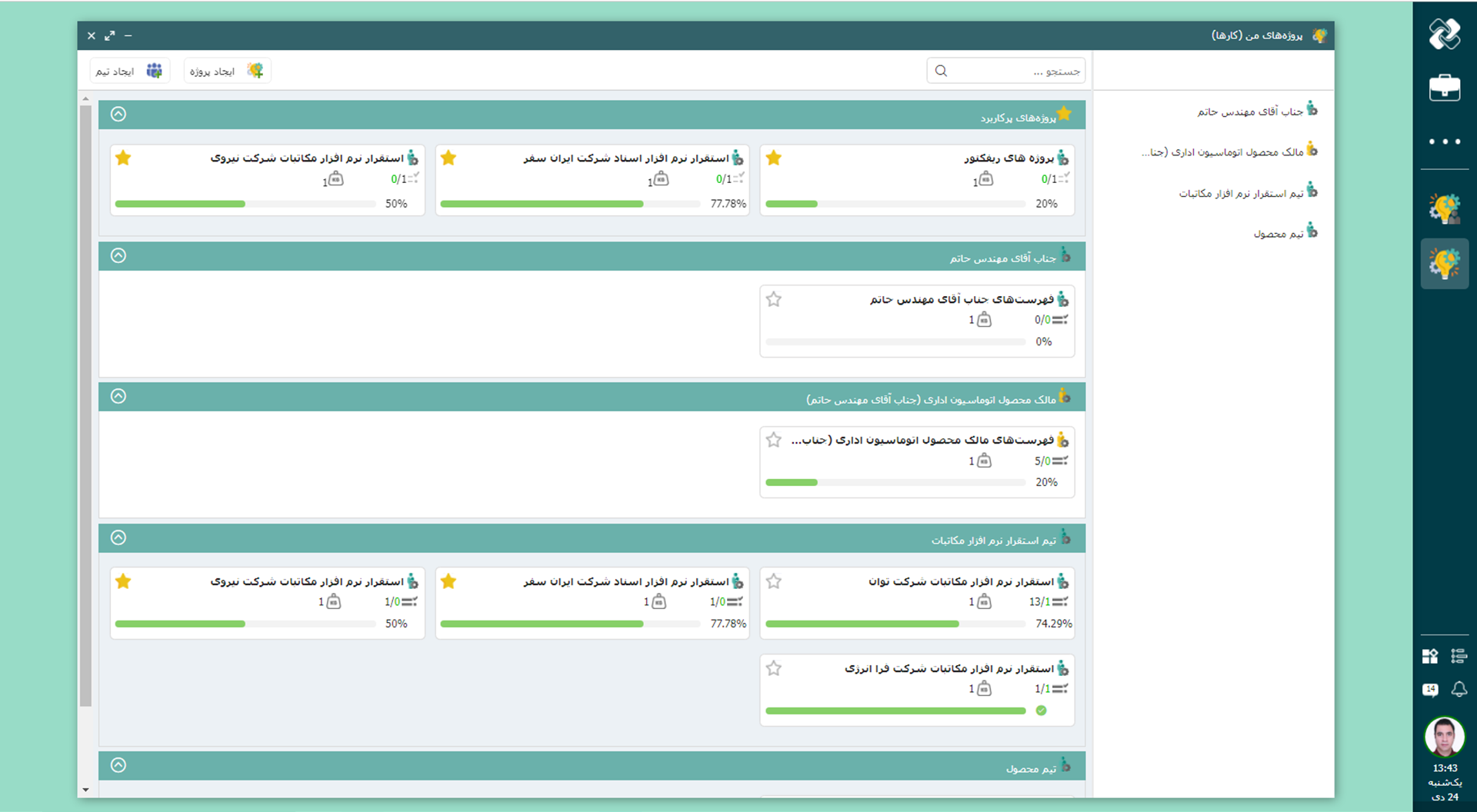
If tasks proceed in multiple directions at the same time, they sometimes get left out, forgotten, or delayed. In order to achieve results, an organization needs a rhythm where all members follow the same rhythm. Didgah Tasks Software creates this rhythm, where projects, tasks and schedules sit side by side and every step is monitored to ensure uninterrupted work.

Share
Task Management Features
  • A unified platform for starting projects

    A unified environment for defining projects, lists and tasks, adding members and starting detailed planning, where all members know where the starting point is and every piece of information is recorded on the right track from the beginning and nothing gets lost.

  • Centralized data space

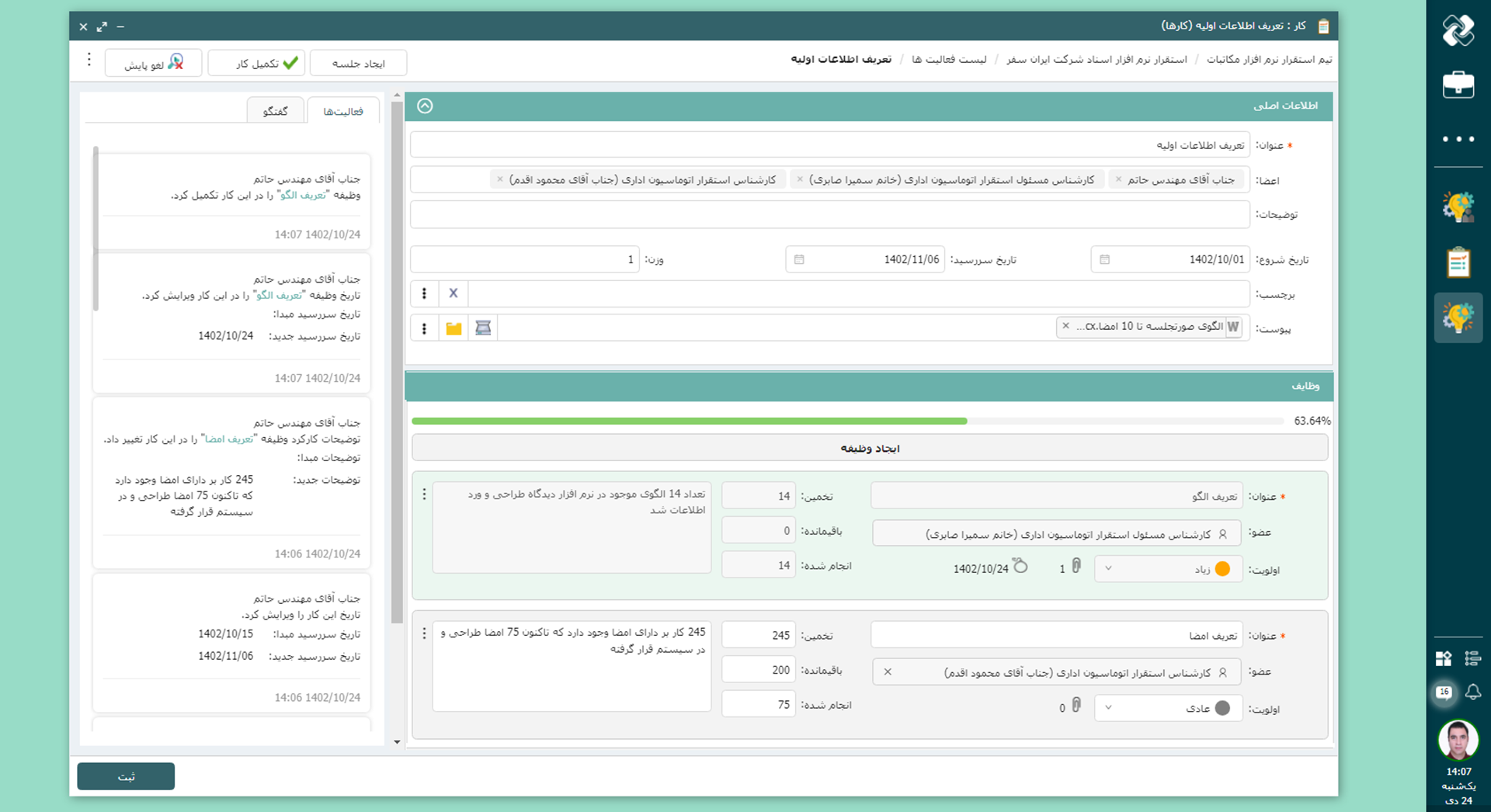
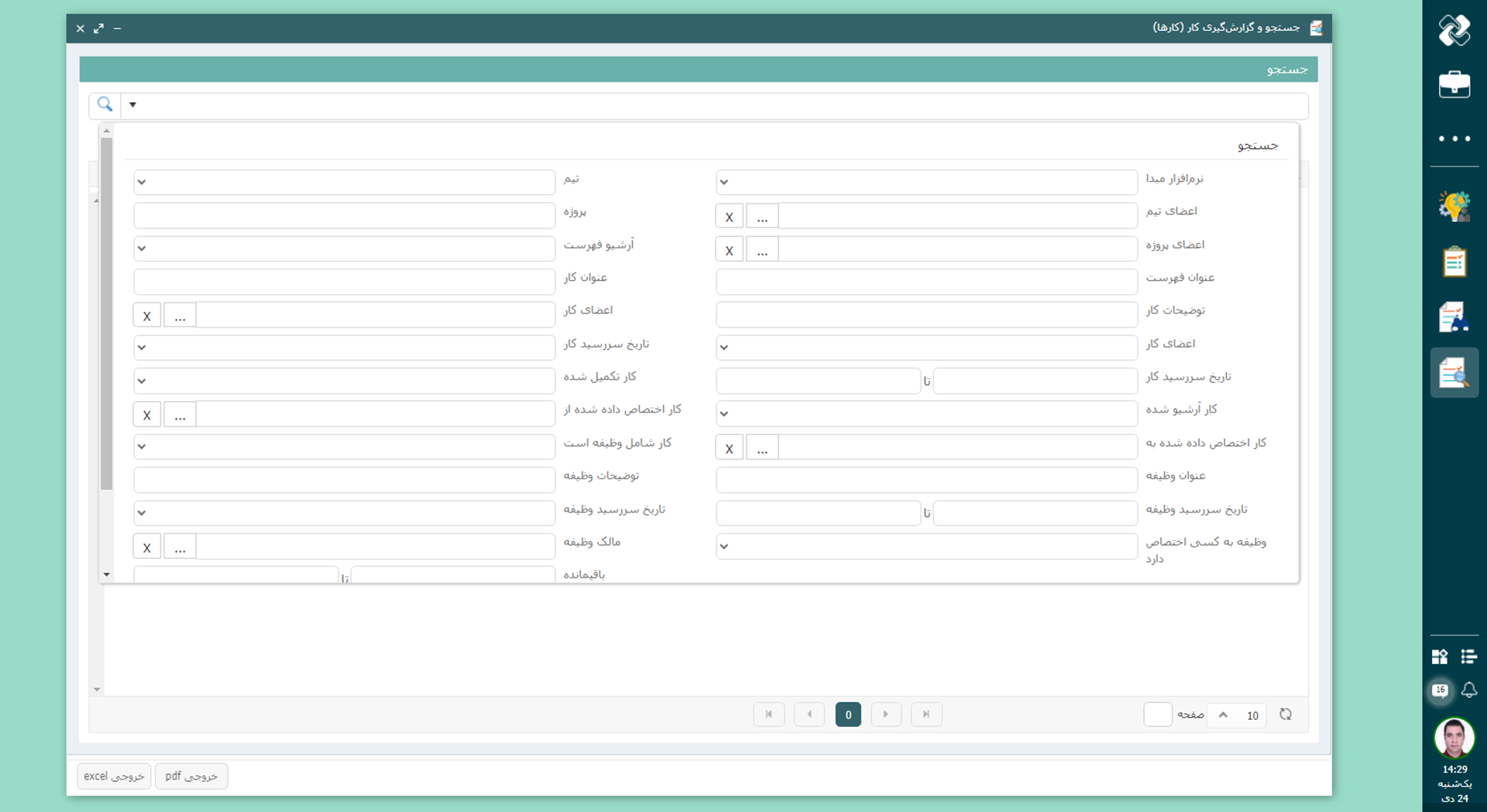
    All information, including status, priorities, timeframes, and documents related to each task, is stored in one environment for faster and more accurate tracking and decision-making.

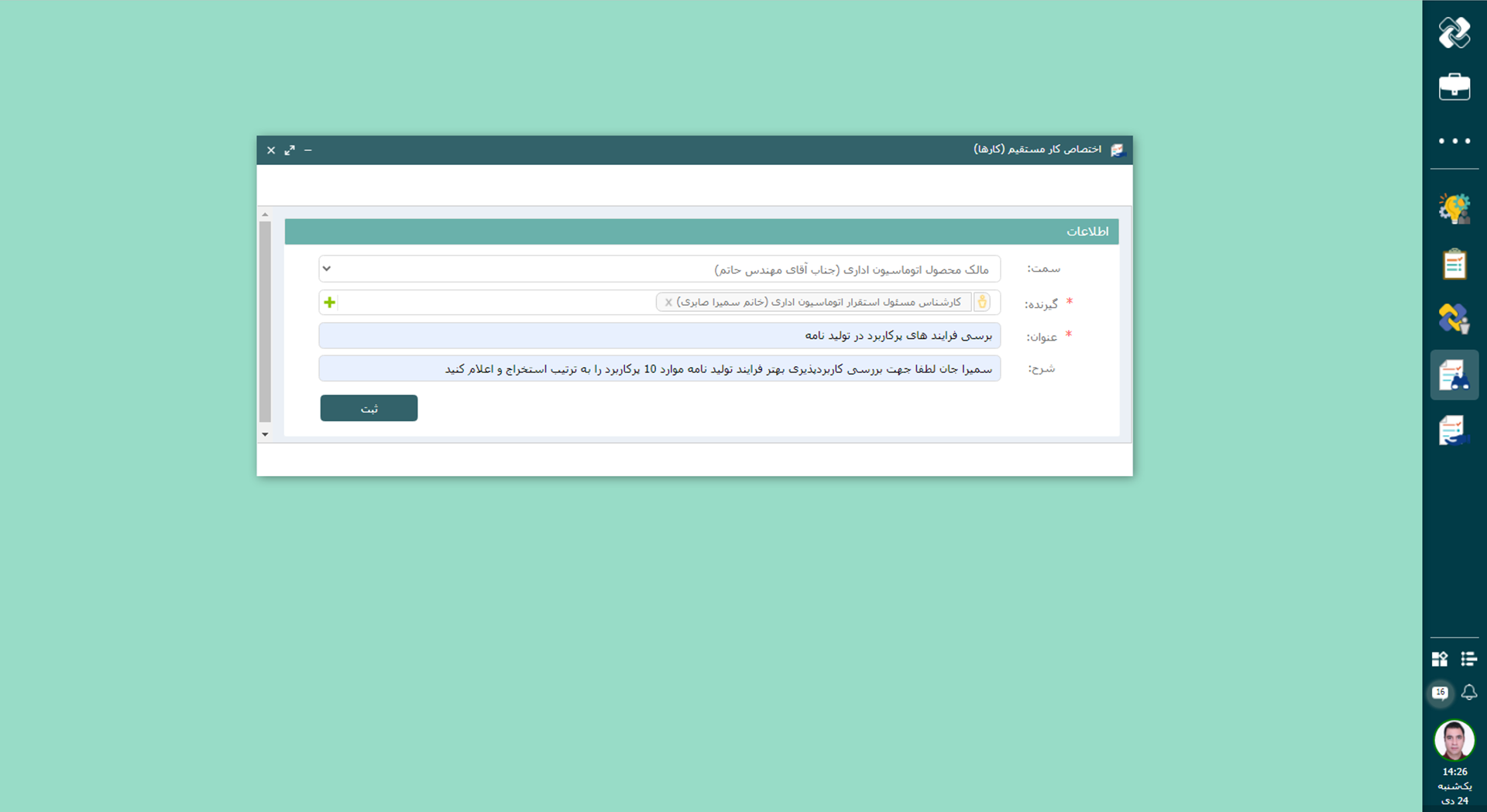
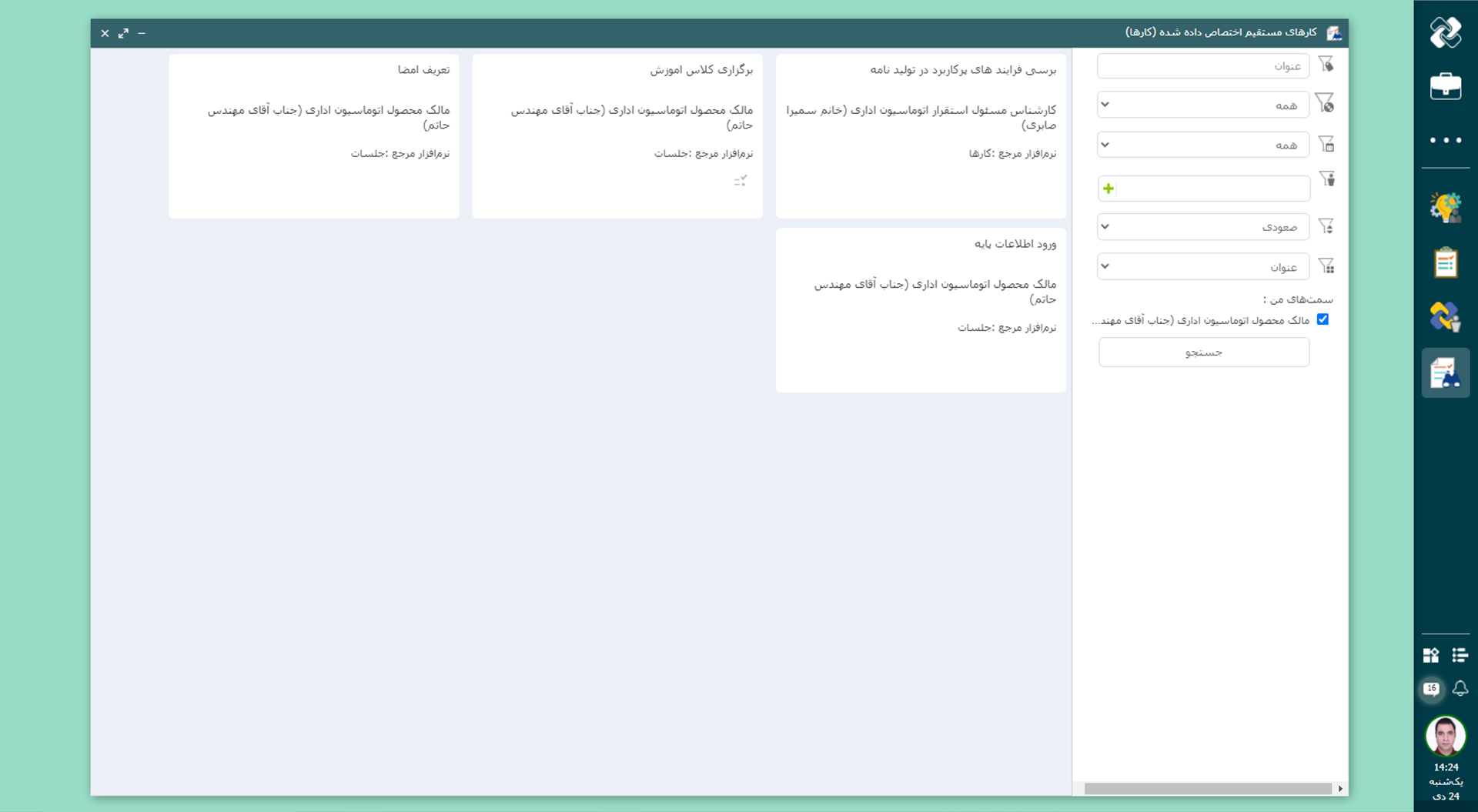
  • Clear task allocation

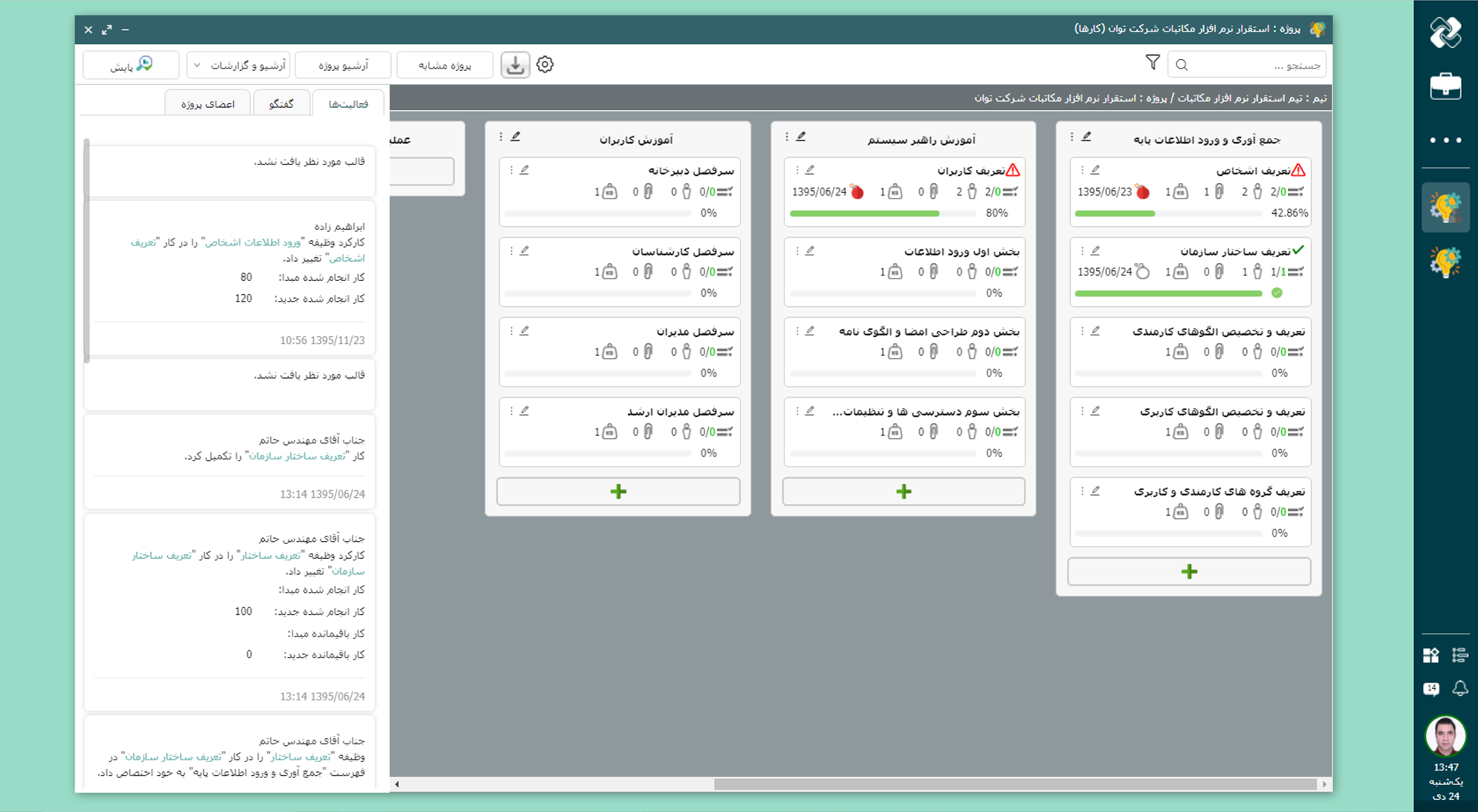
    By clearly defining responsibilities, prioritization, and scheduling, team members know what to do, when, and how. This transparency prevents project delays.

  • Management of microtasks and small actions

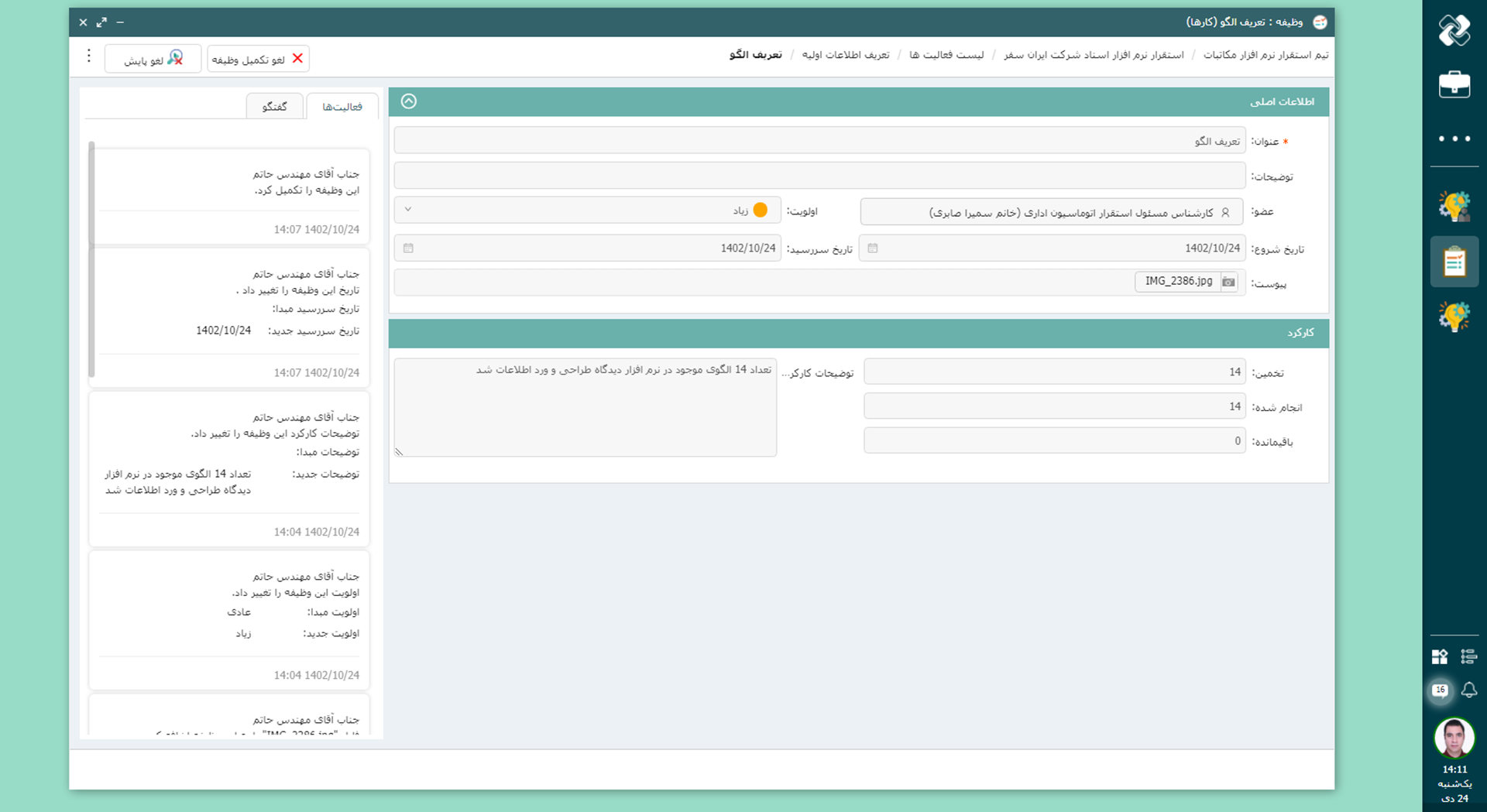
    Remind and track small but key actions in a centralized environment, so that nothing is forgotten during the project implementation.

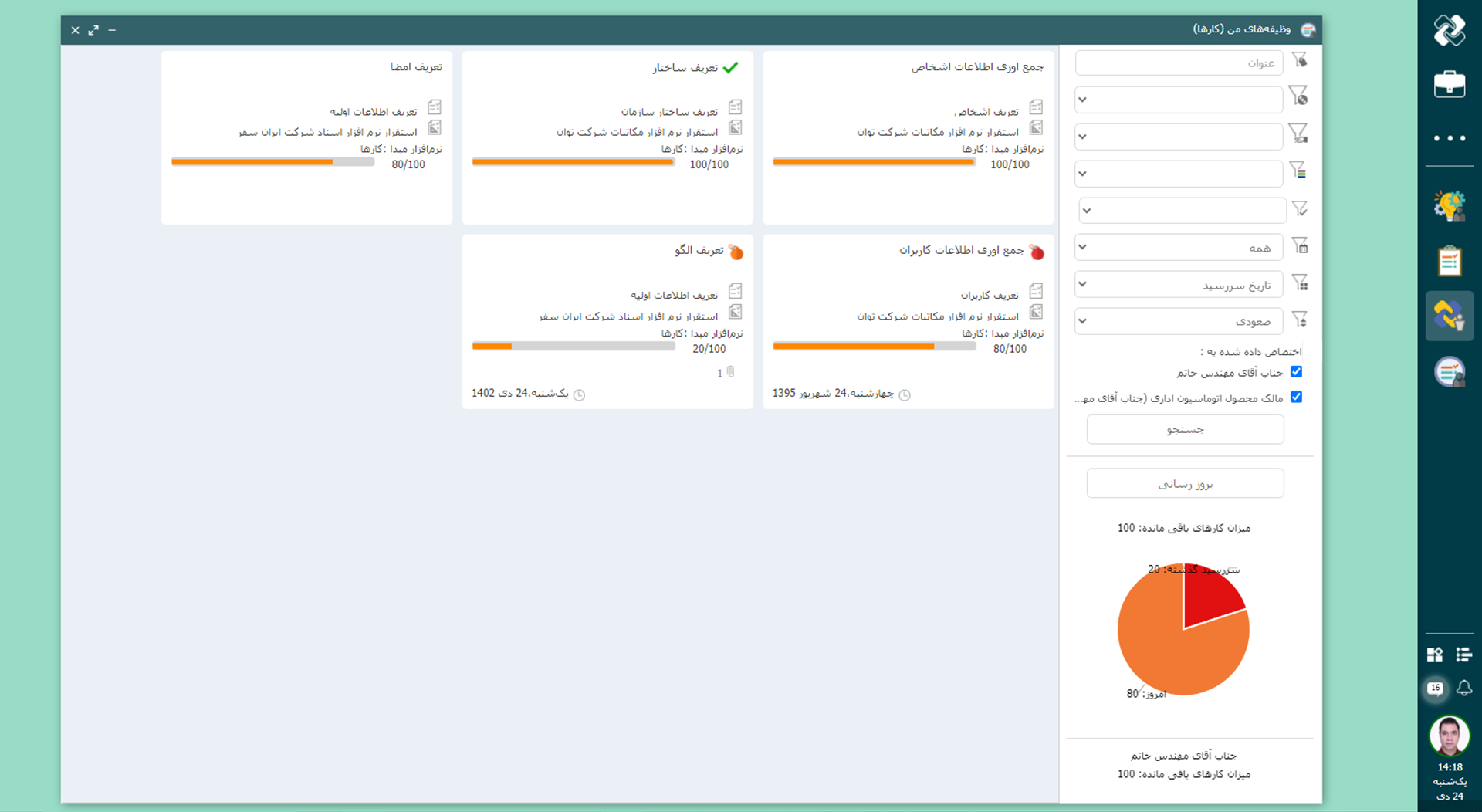
  • Data-driven progress measurement

    It is possible to record the percentage of progress, estimate the time and weight the tasks for accurate comparison of the plan and execution and quickly identify obstacles.

  • Real-time and live monitoring

    The current status of tasks, projects, and teams is displayed in real time, to identify and resolve problems before a crisis.

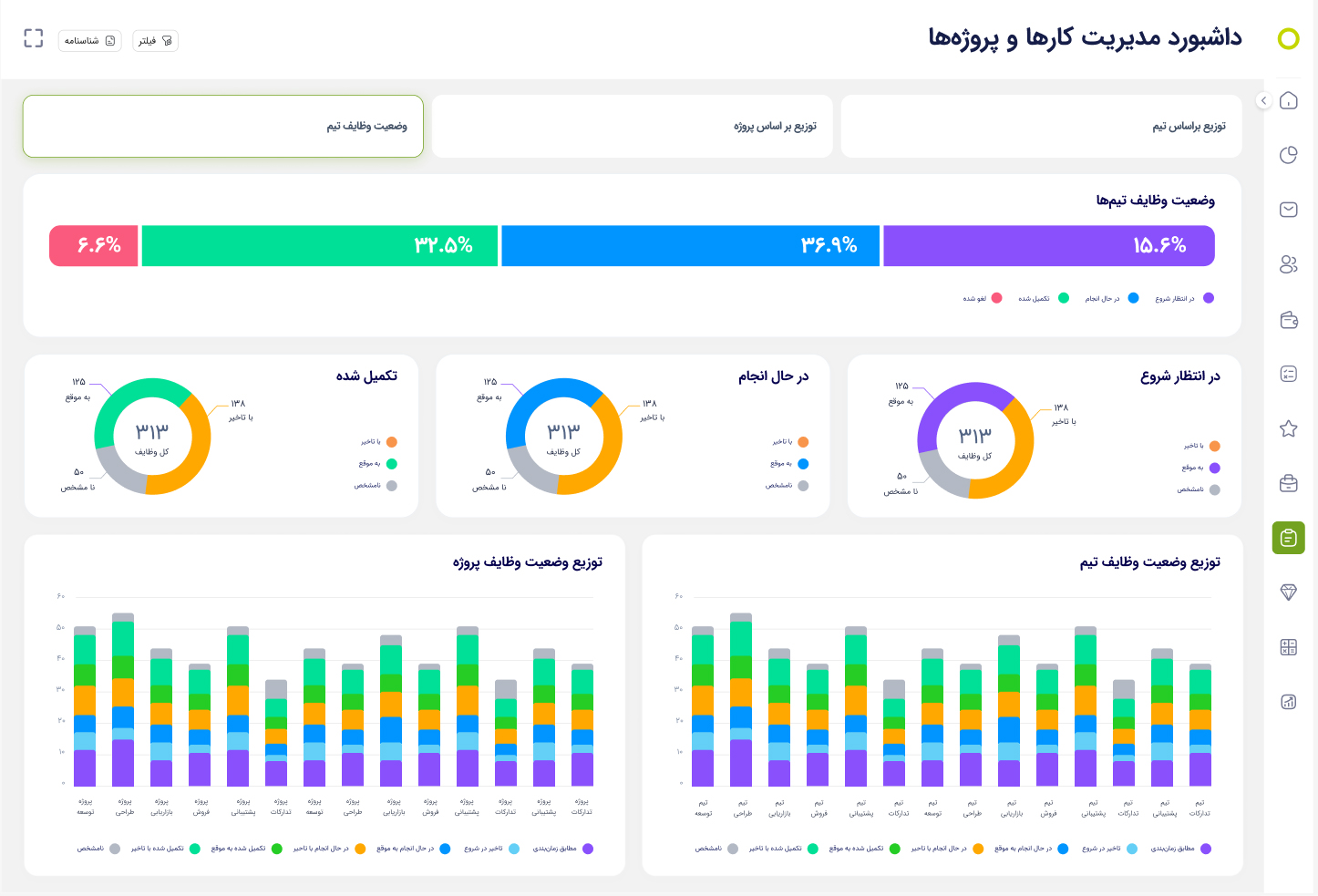
  • BI Dashboards and Reports

    You have visual and analytical reports of progress, team performance, identifying obstacles, and forecasting the future for accurate decision-making and optimal resource allocation.

  • Tasks application

    Access to work plans and tasks via mobile, to track tasks, check progress and maintain communication with team members at any time and place. This continuous support speeds up decision-making and increases the transparency of processes.

Fast, Accurate, Integrated Decision-Making with Didgah Tasks BI Dashboards

Data analysis dashboards in the Tasks software are designed based on the Didgah Data Warehouse infrastructure so that managers can view and analyze the status of teams, projects and tasks at the organization level at a glance. These dashboards are the first phase of Tasks analytical maturity and help you monitor team performance, identify bottlenecks and make more accurate planning.

Didgah Tasks Mobile App

With the expansion of work methods and the increasing mobility of employees, the Karha mobile application is designed to allow users to access their tasks anytime, anywhere. This version allows viewing and managing tasks without the need for a computer and offers a seamless experience of working with the Didgah software on mobile phones.

Users can check the progress of tasks, track tasks, and maintain effective communication with team members through the application. This constant access allows decisions to be made faster, tasks are not forgotten, and team coordination is maintained.

In fact, the Karha mobile version increases productivity, accelerates decision-making, and transparency in work processes by enabling real-time task management, ensuring that no important activity is stopped due to lack of remote access.

Deployment and Support Services

The Didgah task software deployment process is carried out by Chargoon's expert team with a detailed analysis of the organization's needs and structure, and with a configuration that suits your project and task management style. In this course, liaisons, managers, and end users are trained, access levels are defined, and the project structure is adjusted to achieve maximum productivity.

The production team continuously upgrades the software by updating the infrastructure, increasing features, and improving the user experience, and keeps it in line with current needs. Also, the support team, with its complete understanding of "tasks" and task management processes, provides services including consulting, troubleshooting, additional training, and updates in a professional manner and according to the organization's needs.

  • Task Management Integrations with Other Software
  • Meeting Software

    Directly convert meeting output into specific and observable tasks, ensuring follow-up and execution.

  • Office correspondence software

    Quick access to related files and documents, without separate searches to speed up the work process.

  • Documentation Software

    Attach and manage related documents alongside tasks for data centralization and greater transparency.

To make a smart choice, consider all aspects

  • What services are provided after preparing the work software?

    After the provision of the software, the Chargoon support team provides services including installation and commissioning, user training, technical support and periodic software updates.

  • How can I contact the Chargoon support team?

    You can contact Chargoon support team via phone number, email or online support portal.

  • How is the installation process of the work software?

    The deployment process includes the steps of requirements analysis, software design and implementation, testing and evaluation, and finally user training and final delivery.

  • How long does it take to deploy the work software?

    The deployment time depends on the complexity and volume of the organization's needs, but usually ranges from a few weeks to a few months.

  • Can the work software be integrated with other systems?

    Yes, this software has the ability to integrate with meeting software, documents, etc. and can be coordinated with existing systems in your organization.

Demo request

  • This field is for validation purposes and should be left unchanged.